Area info
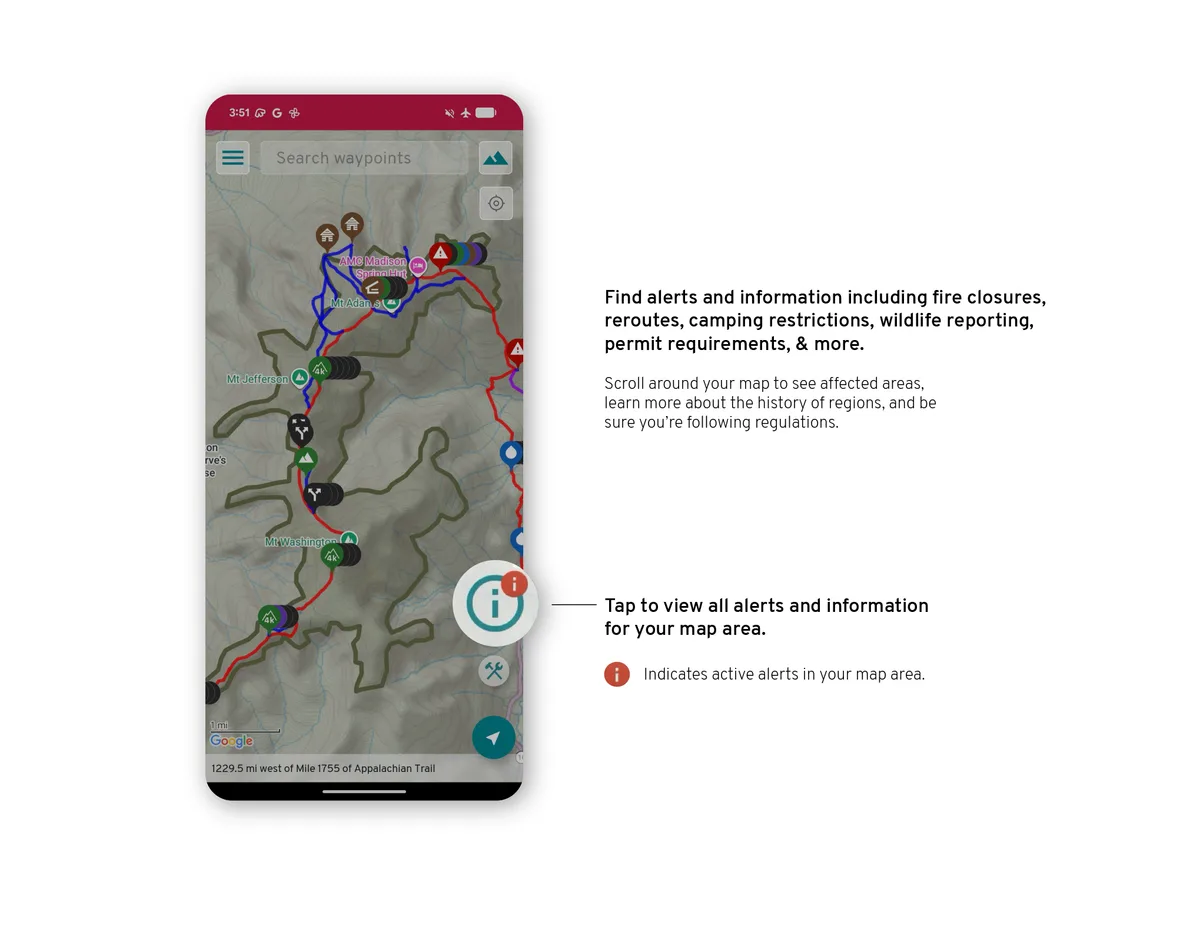
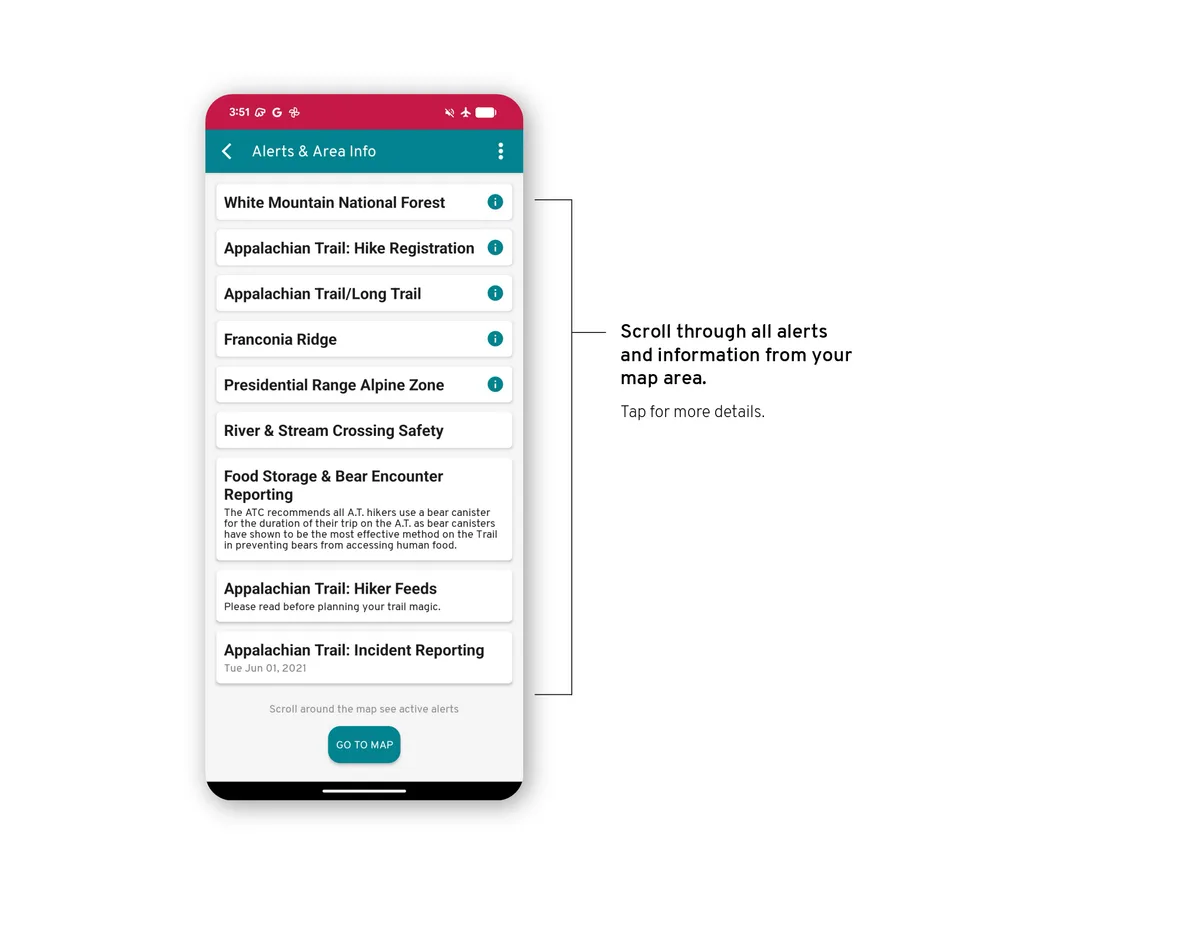
Area info shows closures, reroutes, camping restrictions, wildlife reports, and permit requirements. Read notices on the map or in the guide's information.
Guide Info
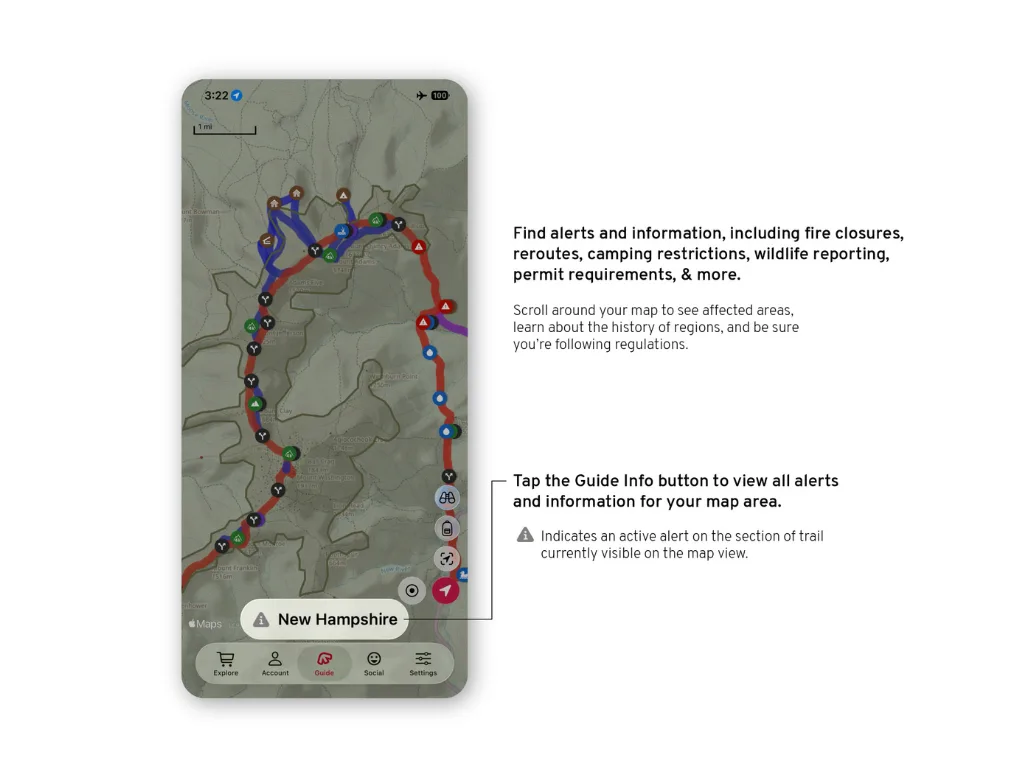
Open Guide Info, the name of your guide at the bottom centre of the screen, and choose the Area info tab. Guide Info is explained in App basics.
On the map
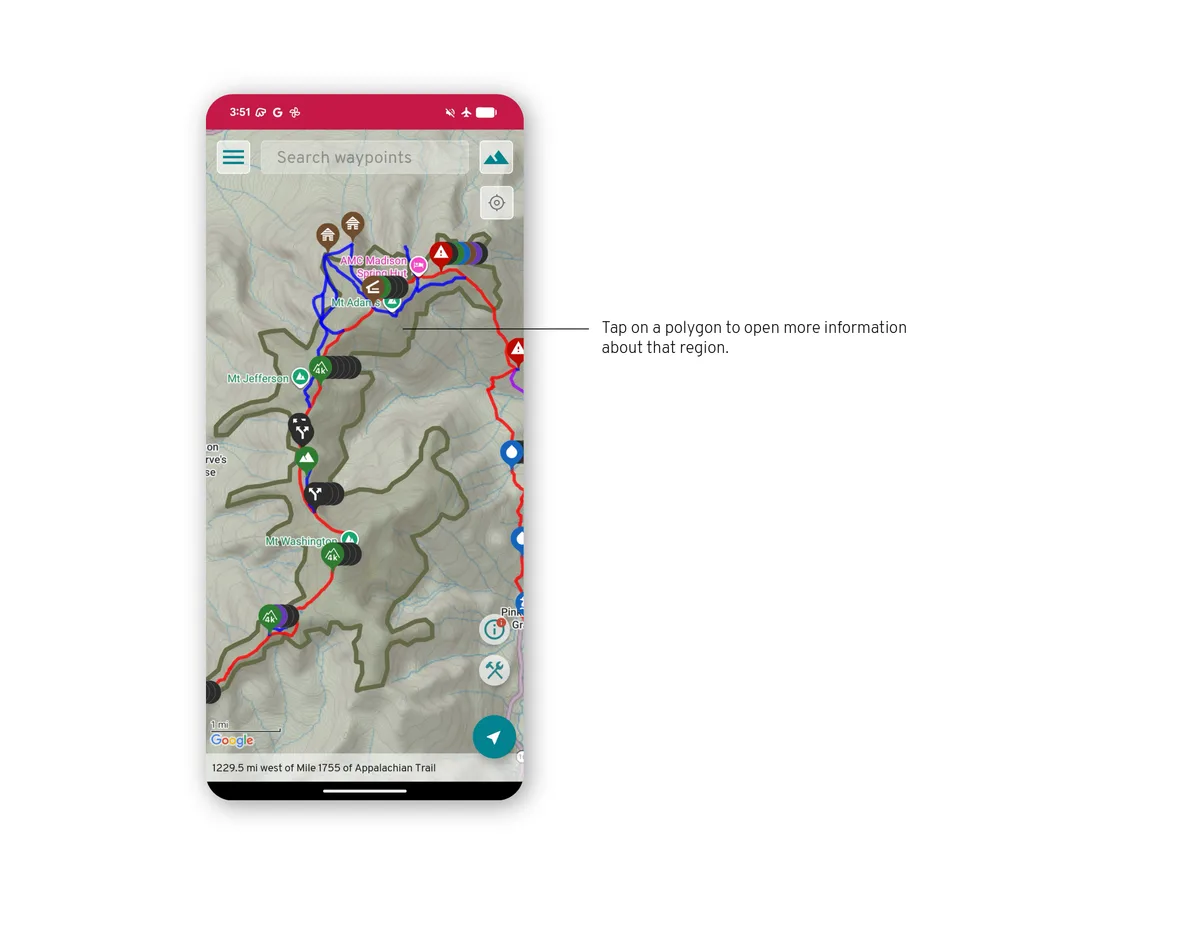
An area with a notice is drawn as a shape over the map.
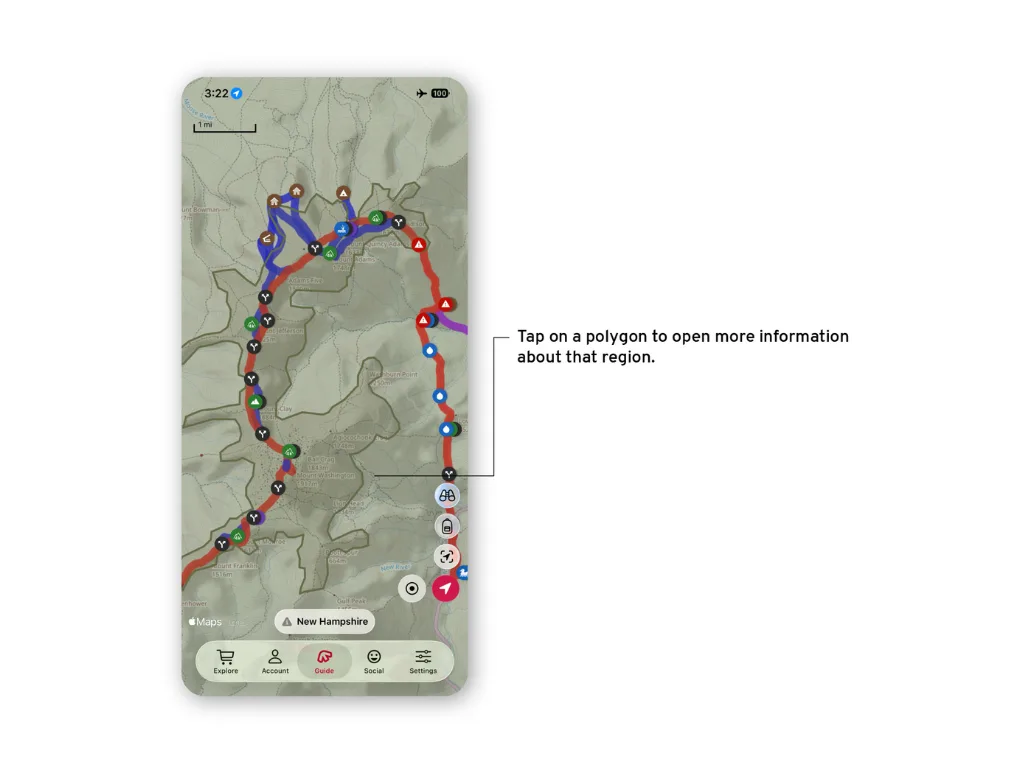
Reading a notice
Tap the shape on the map, or the notice in the list, to read it.
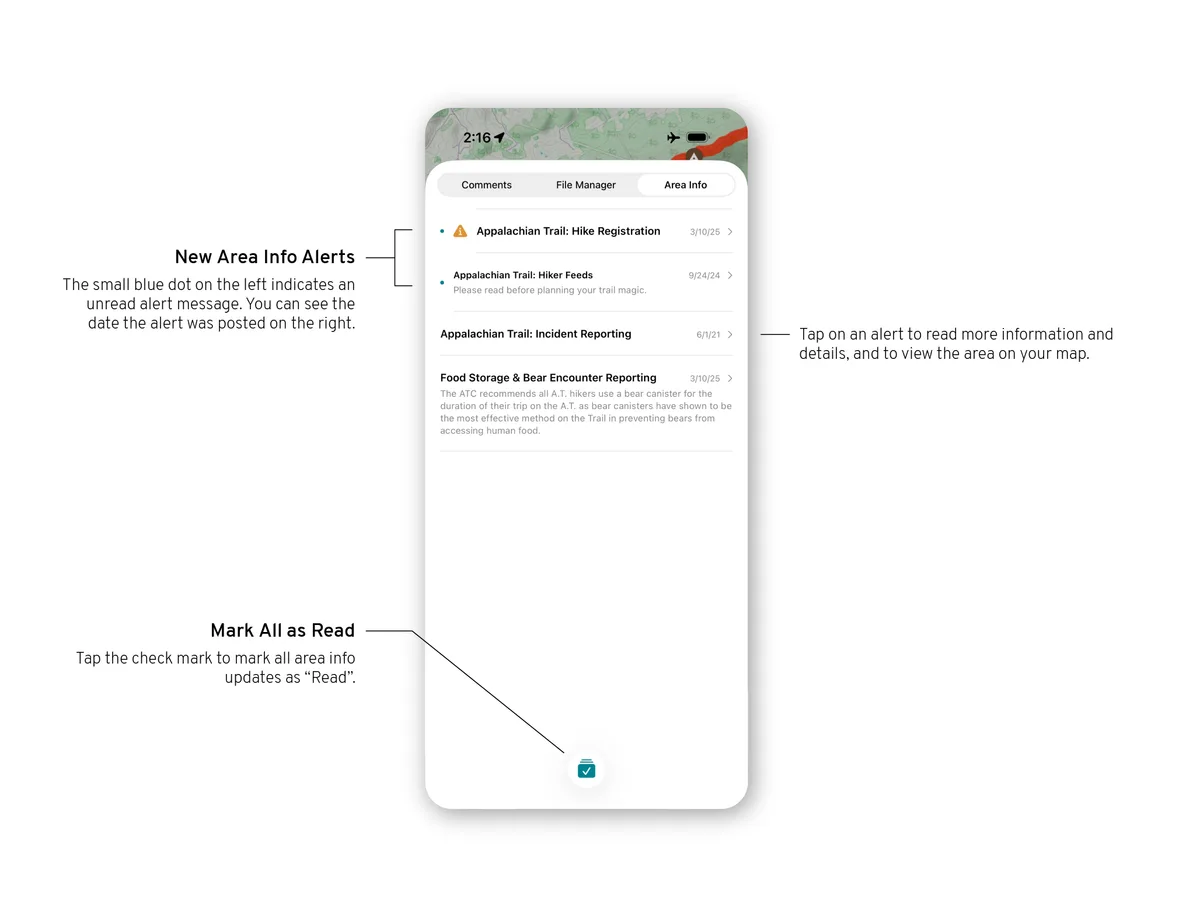
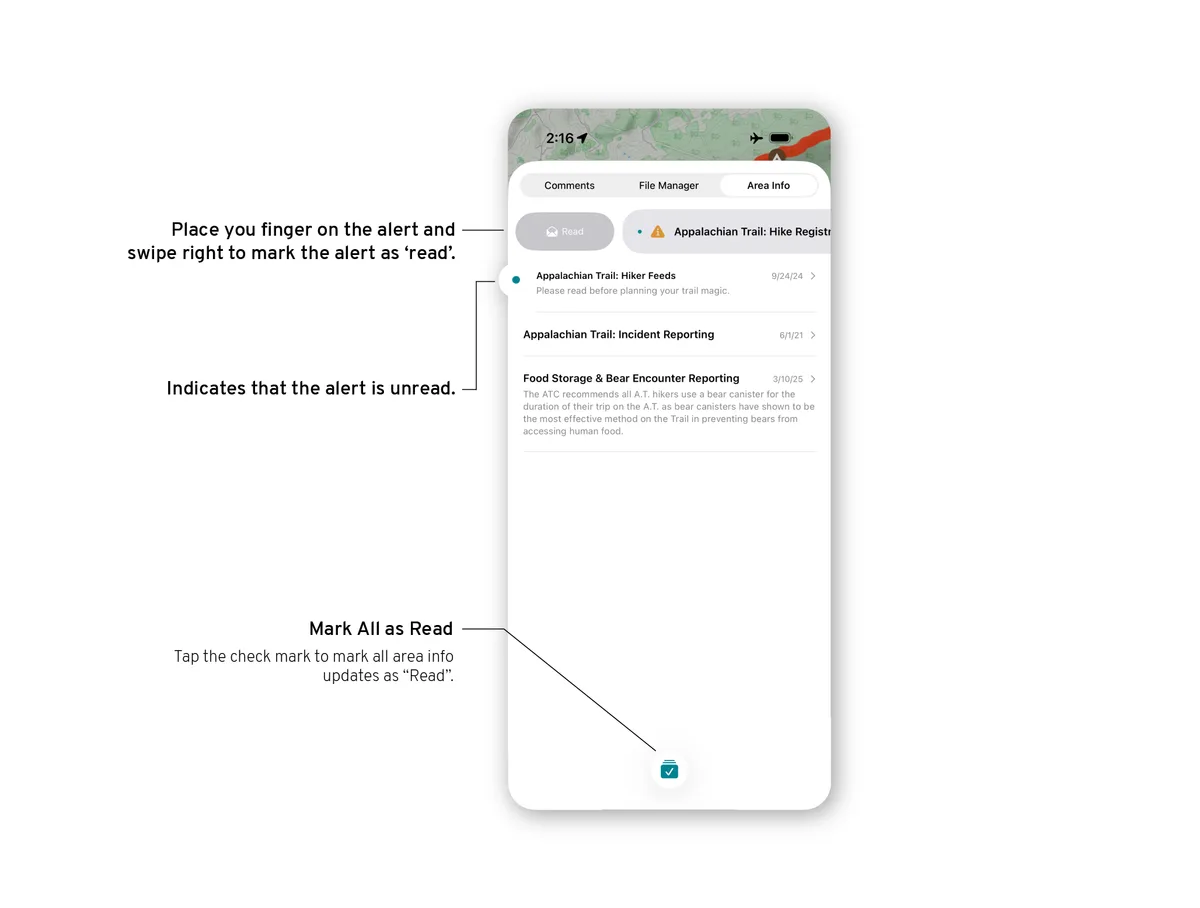
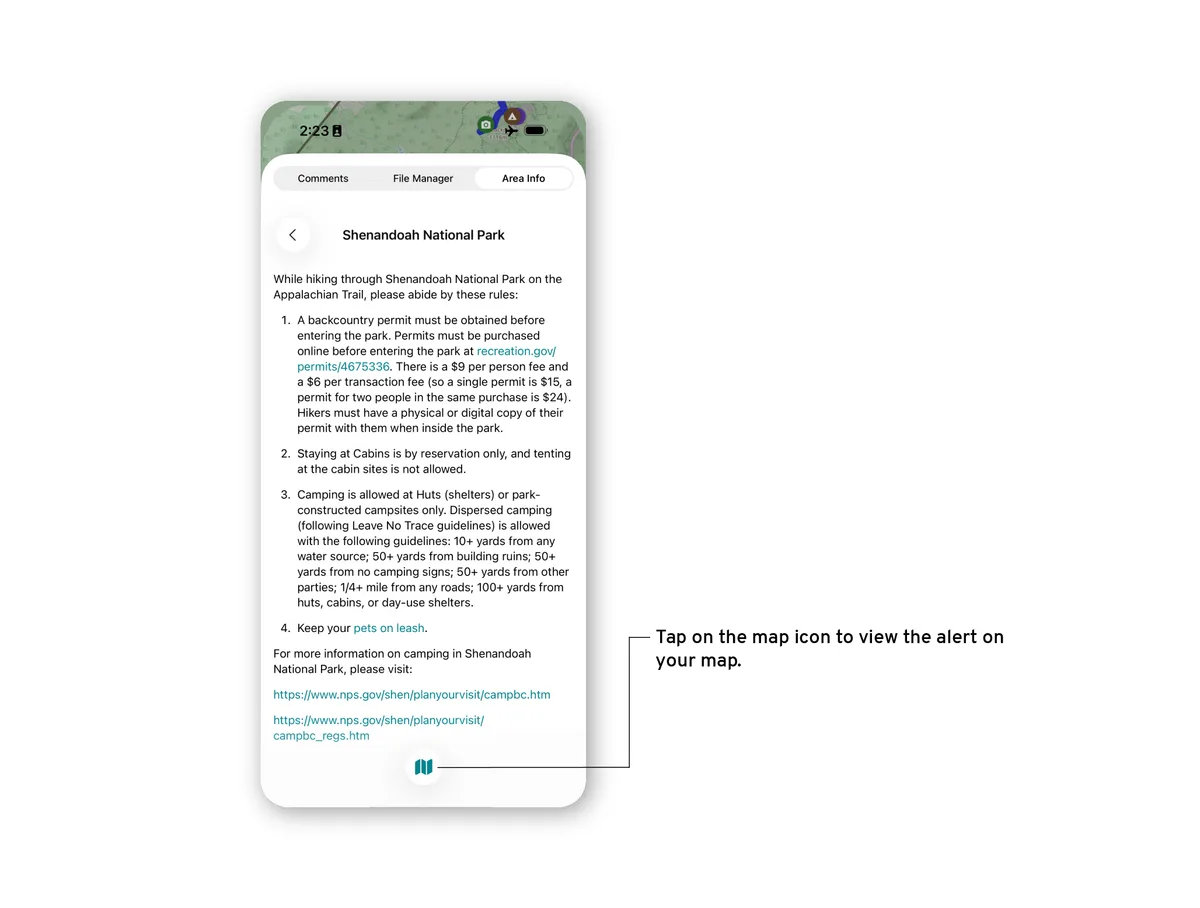
Alerts
From the map, open the alerts to see the notices for the guide. An area with a notice is drawn as a shape over the map; tap it to read.