Custom routes
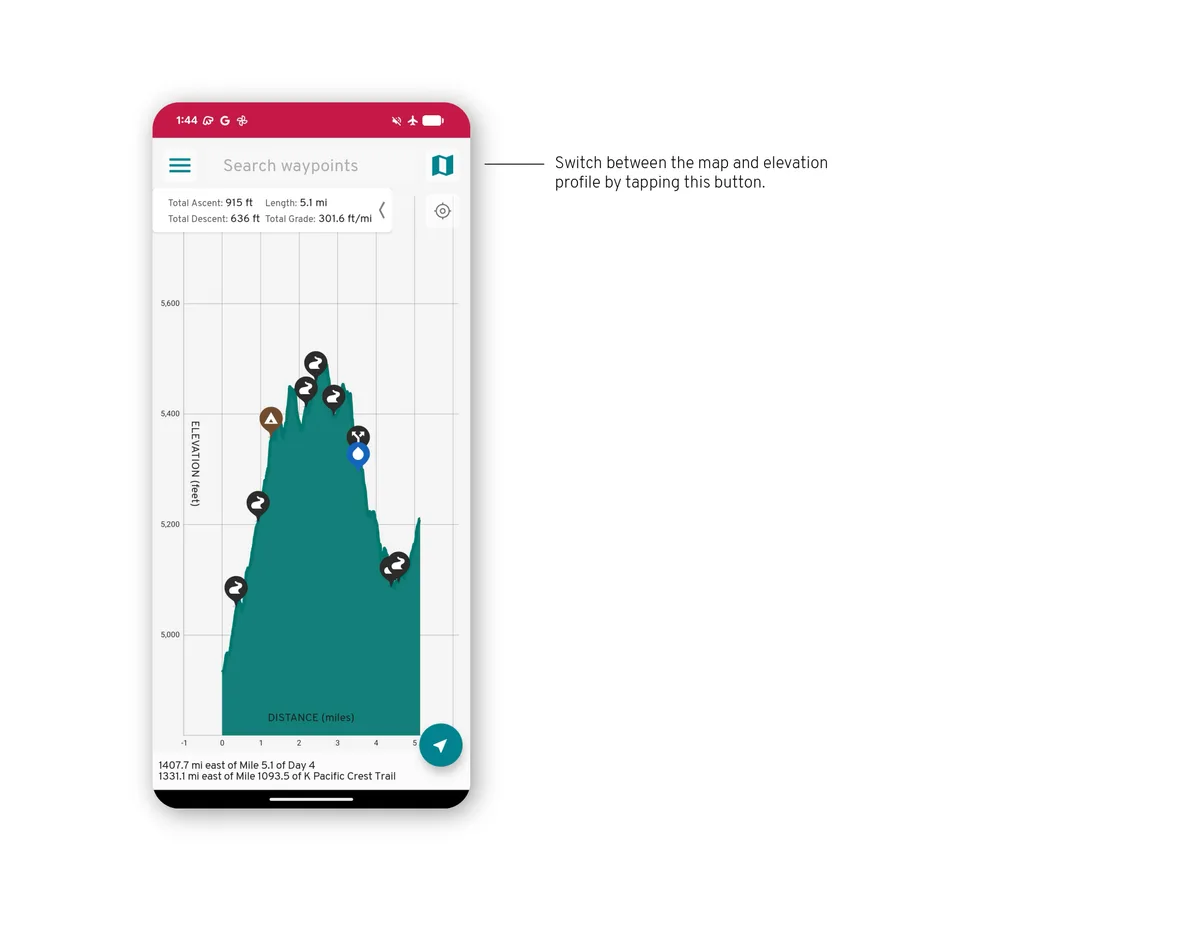
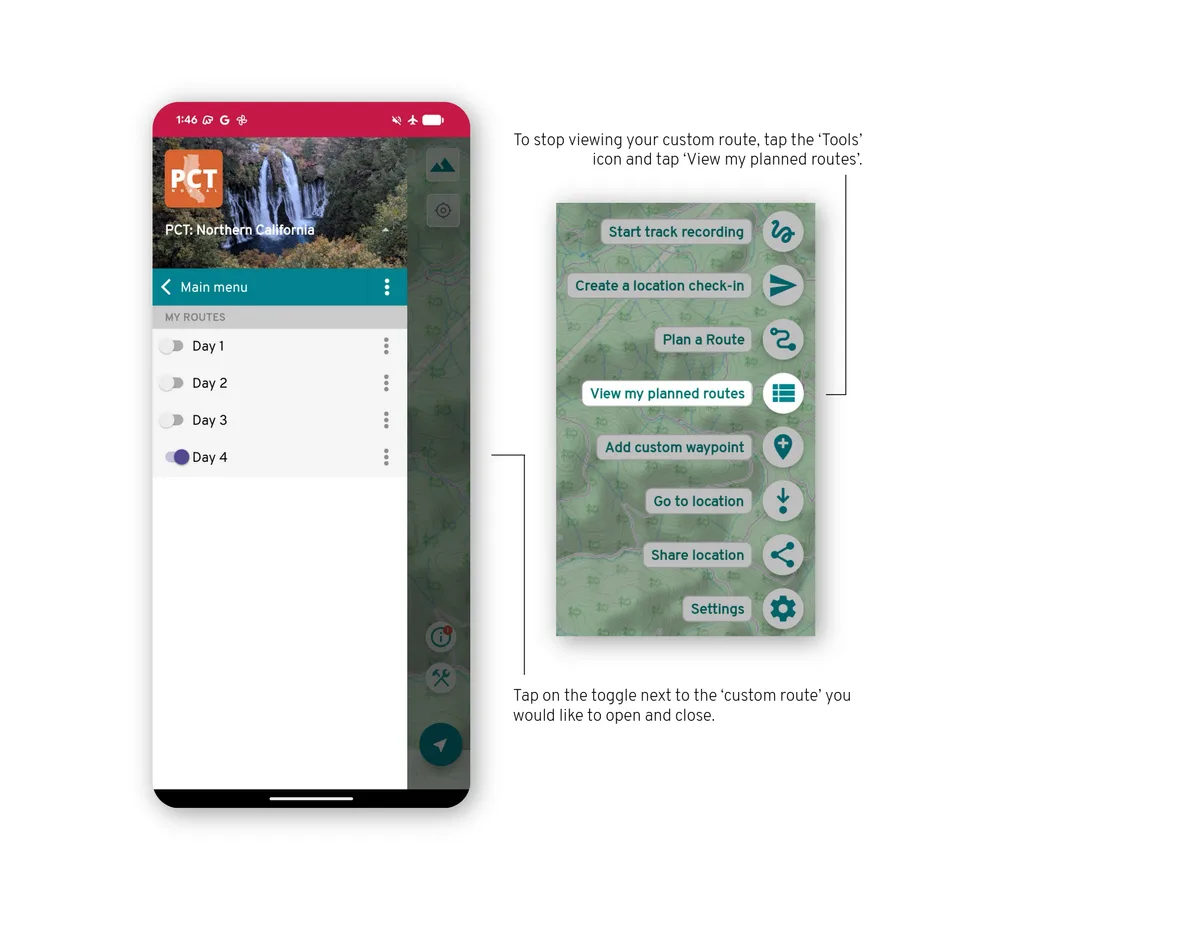
A custom route follows the trails in a guide, including side trails. See its distance and elevation profile, then save it to your account.
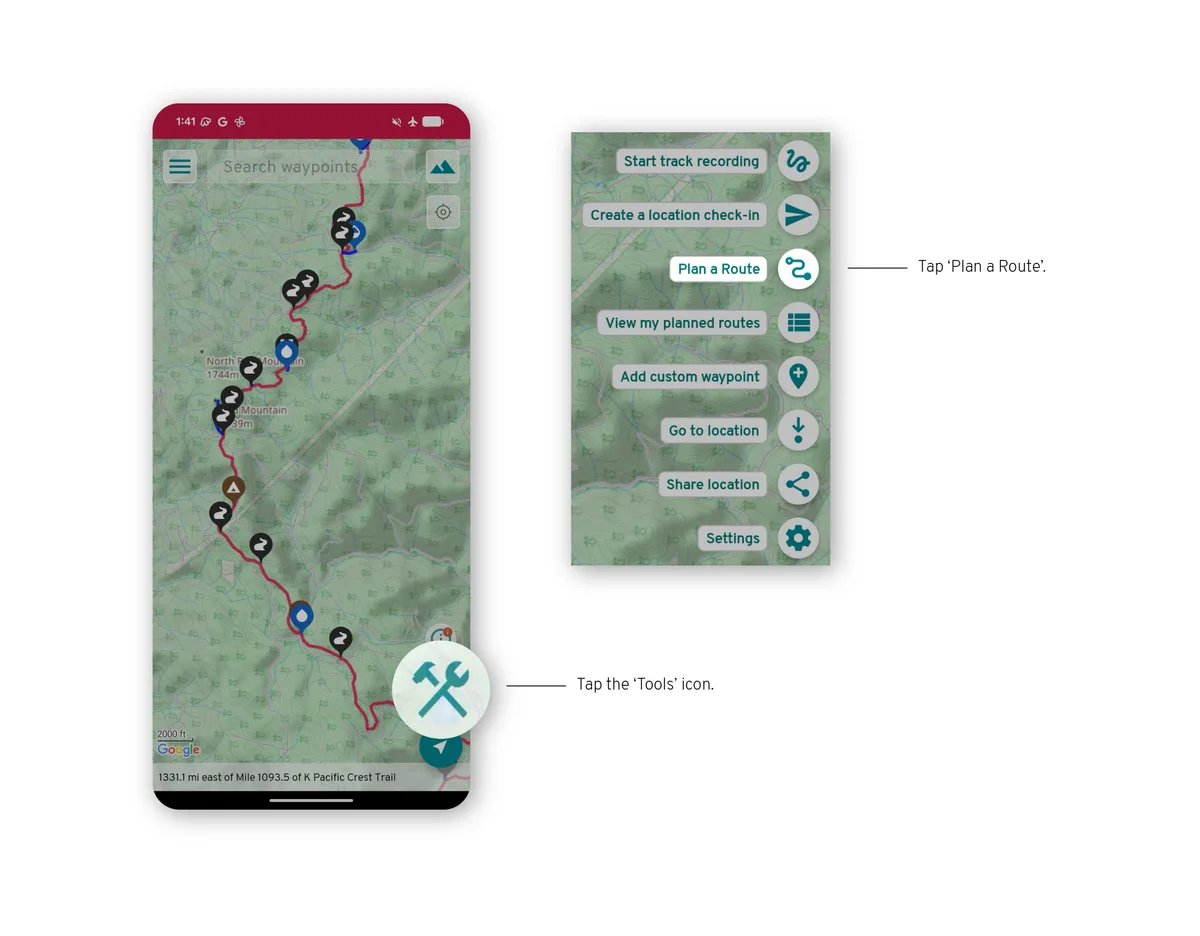
Open the tools
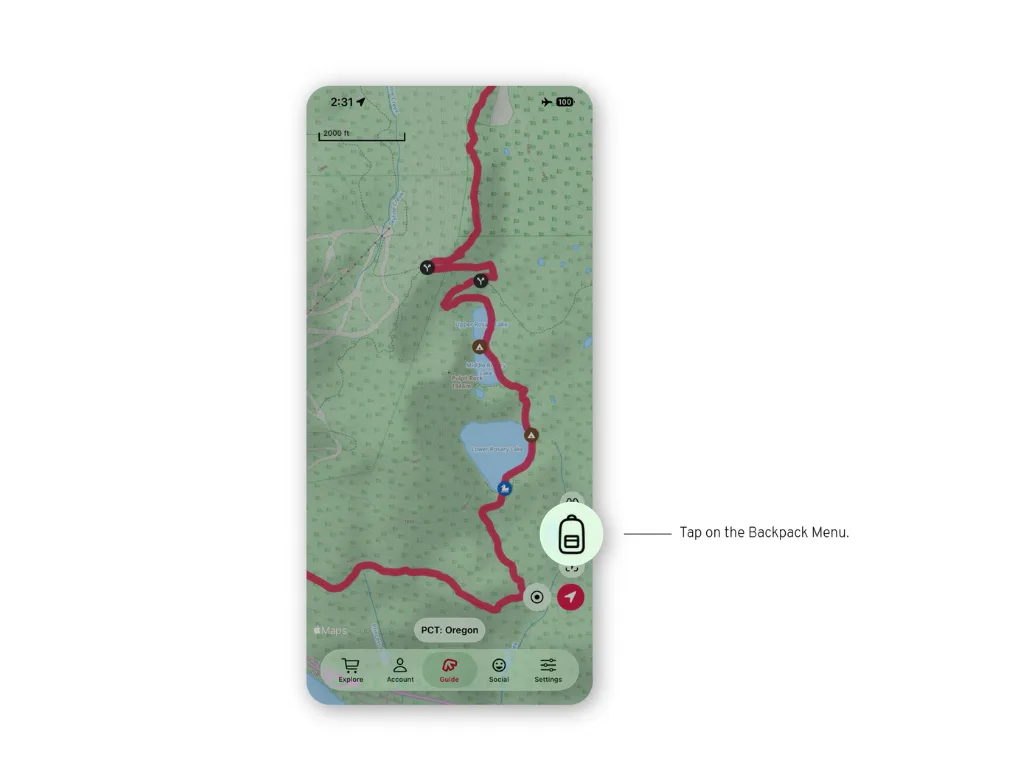
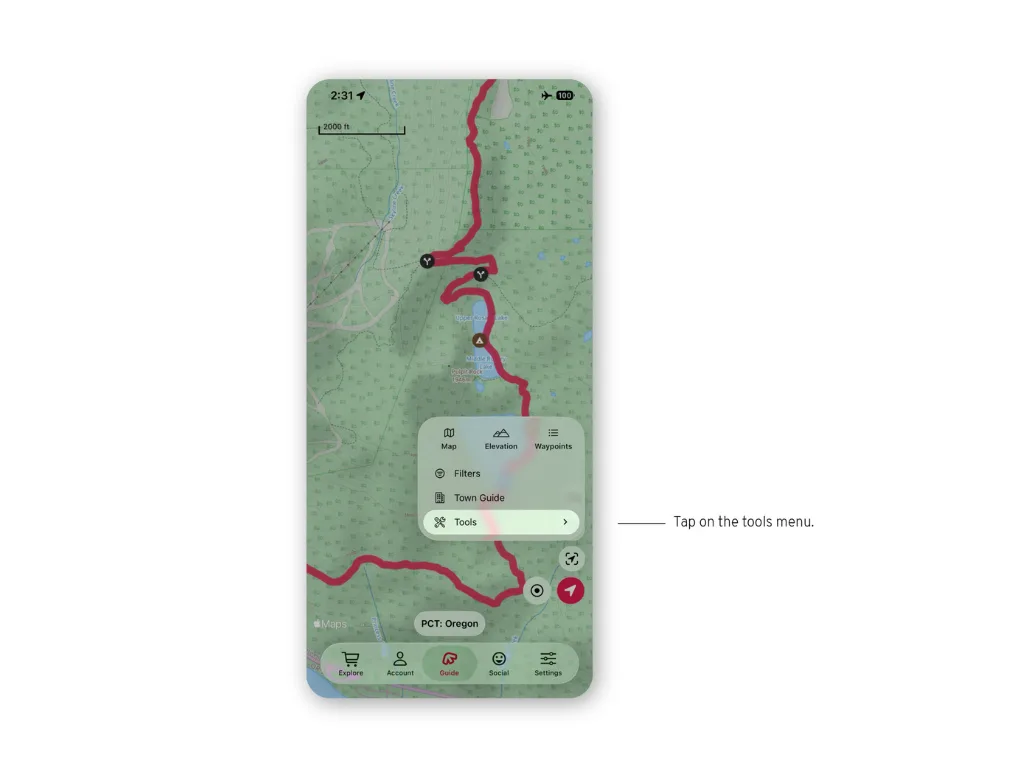
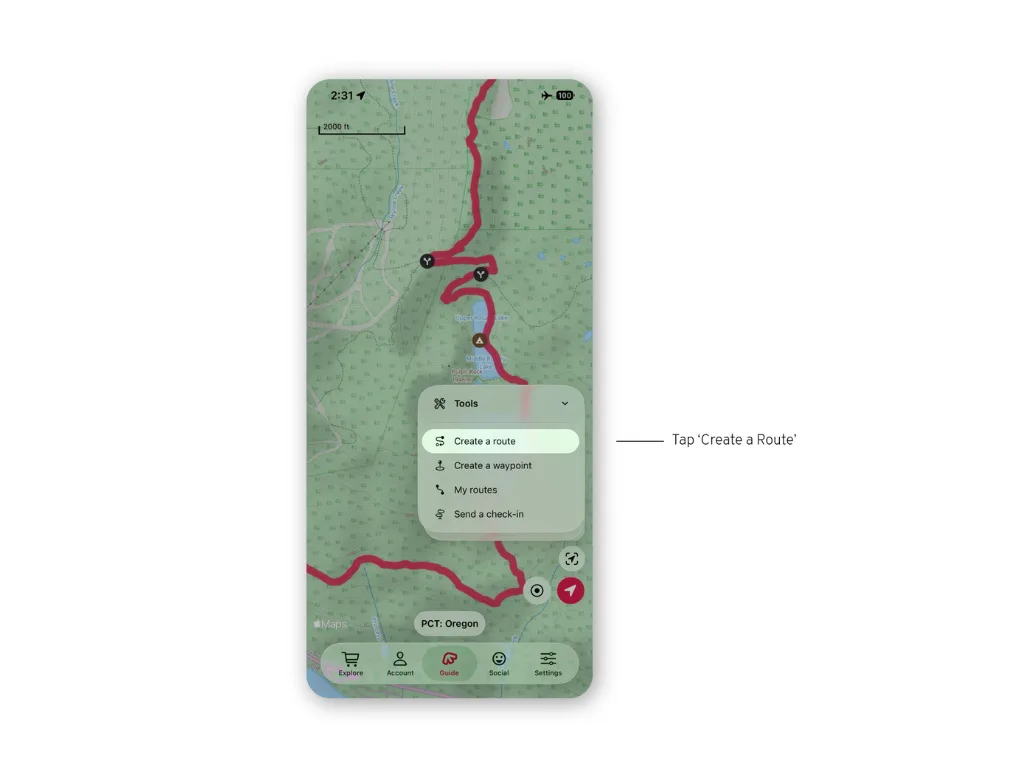
Open the backpack menu (bottom right) and tap Tools, then Create a route.
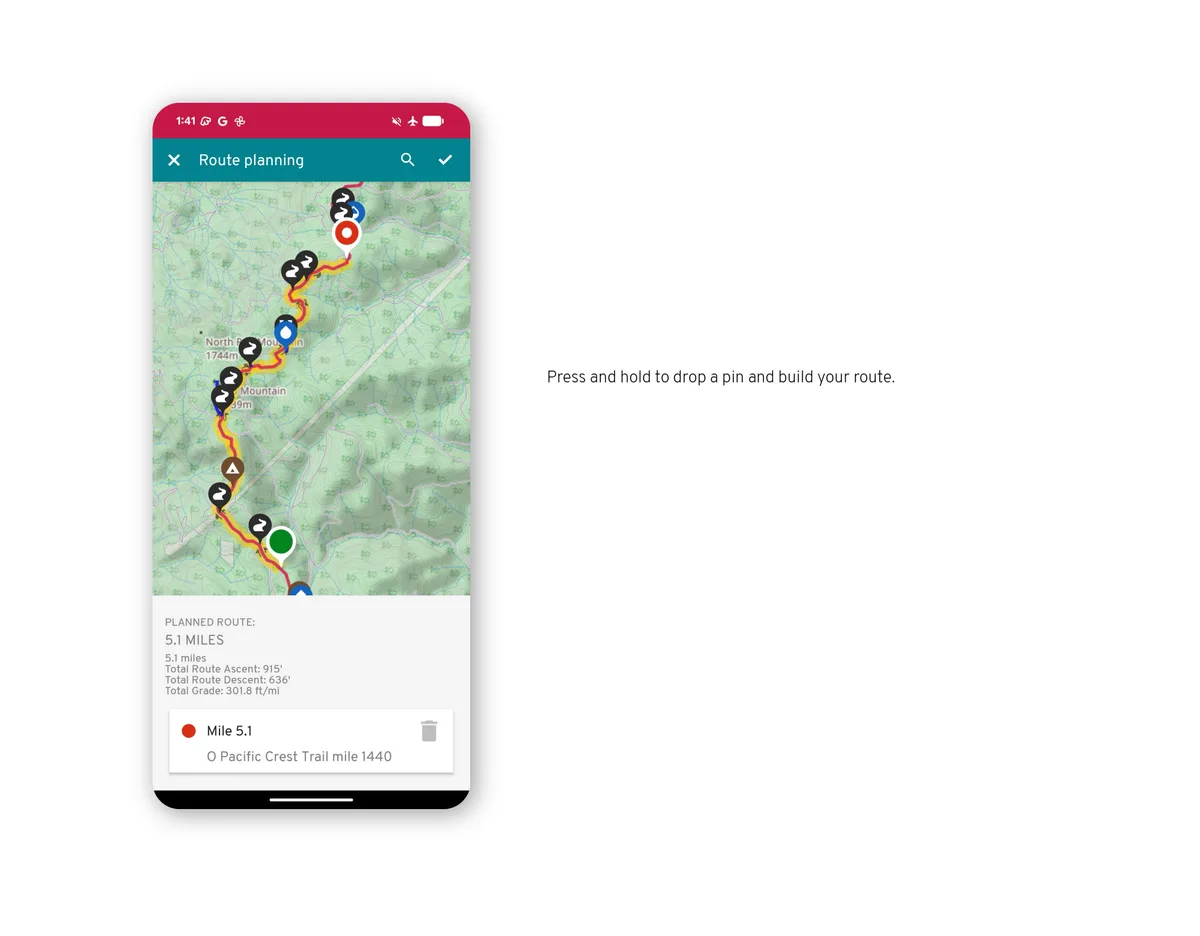
Build the route
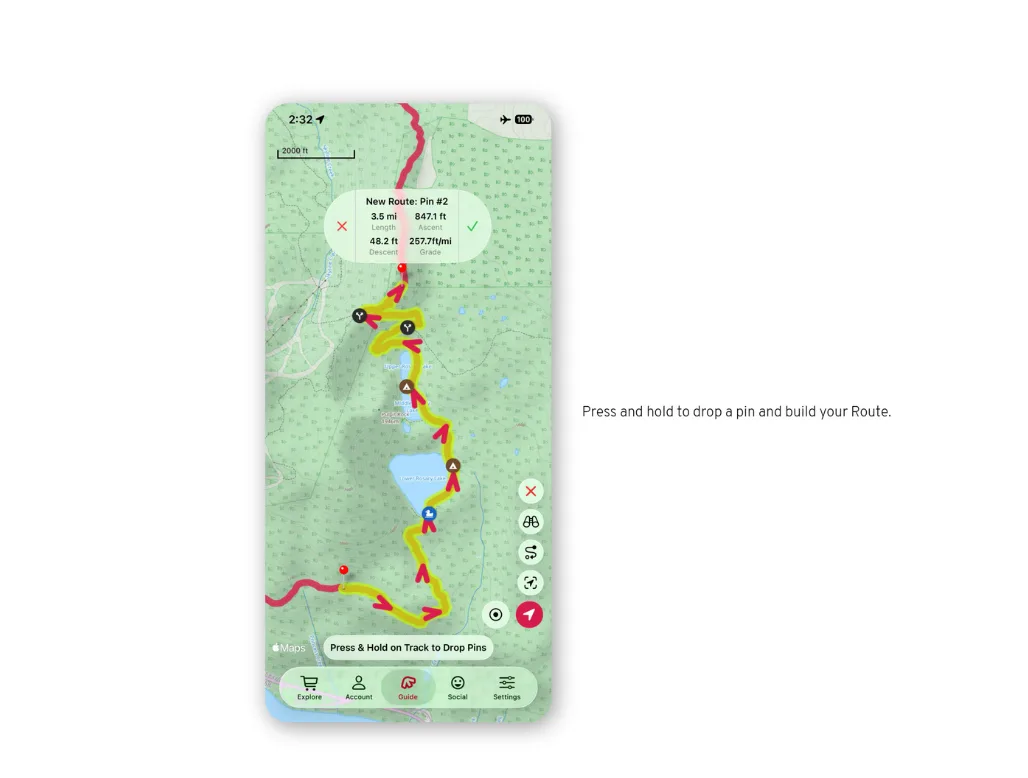
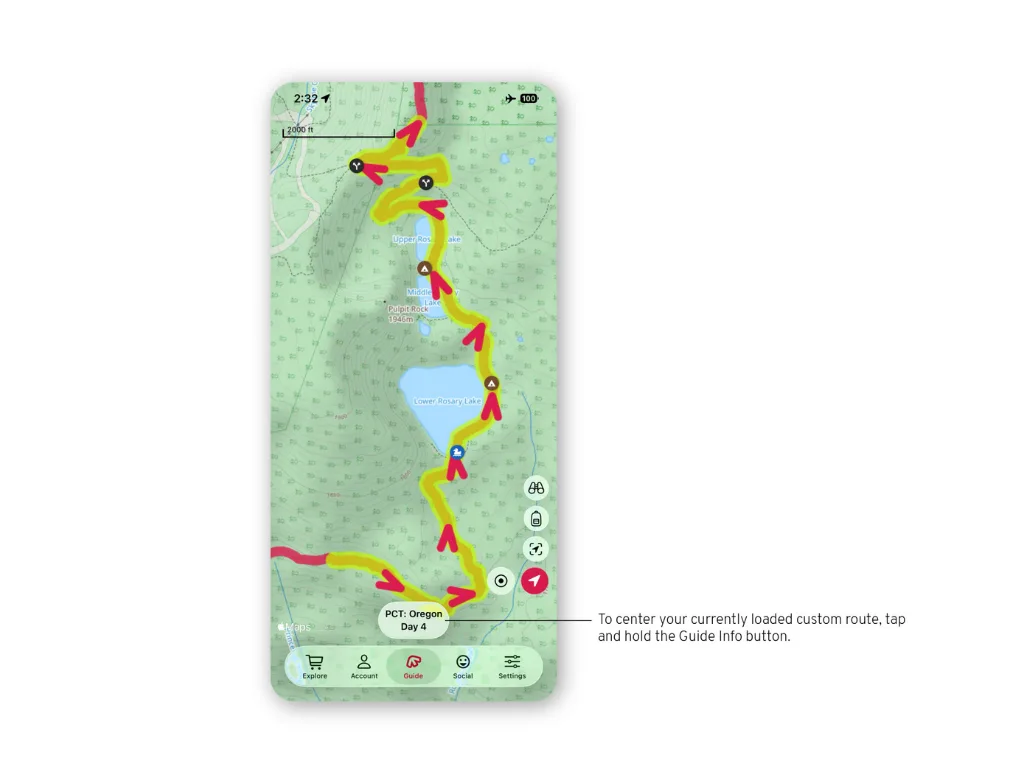
Tap the trail to add points; the route follows the trails between them.
Elevation and clearing
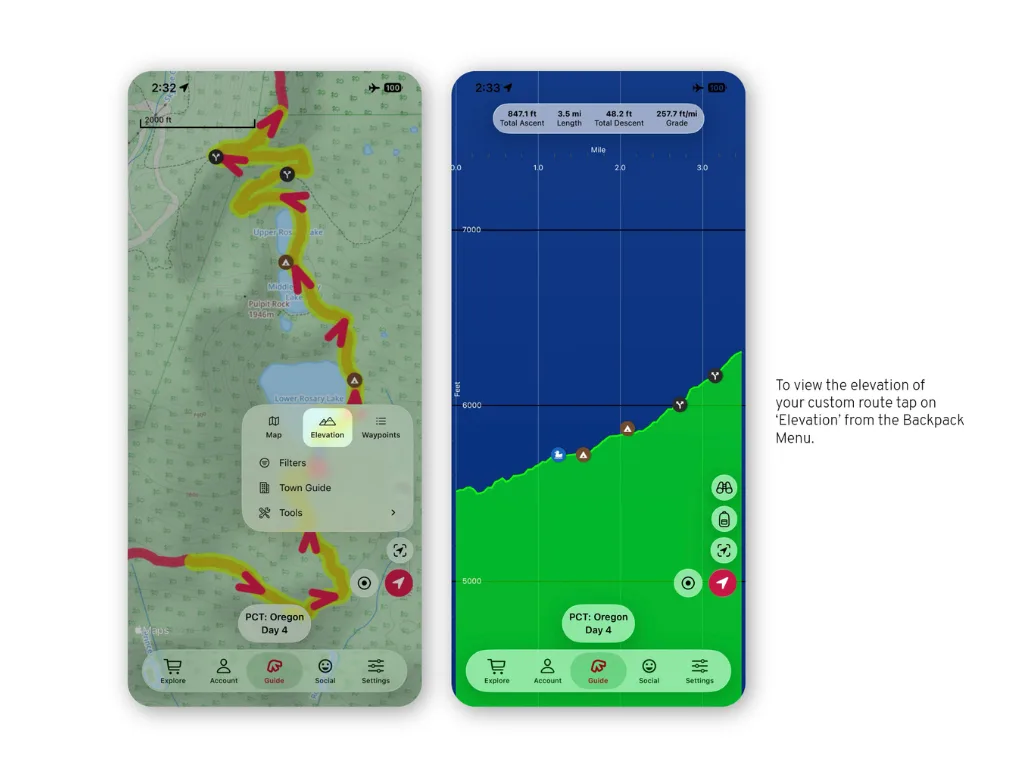
Switch to the elevation profile to see the route's climbs. Clear the route from the same menu when you are done.
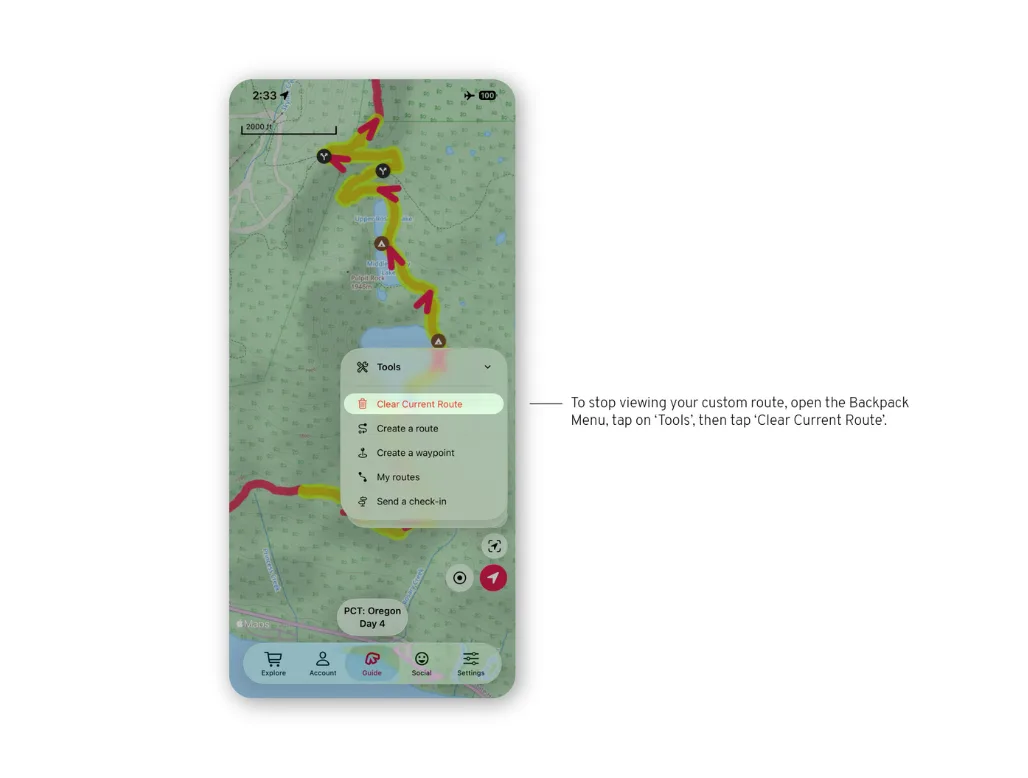
Start a route
From the map, open the tools and choose the route tool, then tap the trail to add points; the route follows the trails between them.
Elevation and saved routes
Switch to the elevation profile to see the route's climbs. Your saved routes are listed under Manage routes.